Introduction
Meta Ads are paid advertisements
created and managed through Meta Platform. They allow businesses to promote
products, services, websites, or content across Meta's family of apps,
including: Facebook, Instagram Messenger, WhatsApp (limited business and
click-to-message ad capabilities). Meta offers 6 primary campaign objectives
(what you want the ad to achieve).
The 6 Campaign Objectives (The
"Why")
When you build a campaign in Meta Ads Manager,
you must first choose your goal, which trains the algorithm:
1.
Awareness: Reaches people to maximize views
and build brand recall.
2.
Traffic: Directs users to click on a
website, app, or specific link.
3.
Engagement: Encourages comments, shares, video
views, and event responses.
4.
Leads: Prompts users to fill out contact
forms, download whitepapers, or book appointments natively.
5.
App
Promotion: Drives
downloads of your mobile or desktop app and increases in-app activity.
6.
Sales: Optimizes for direct conversions,
online store purchases, or foot traffic to a physical location.
Types of Meta Ads
1.
Image Ads
Image Ads are one of the simplest
and most widely used Meta ad formats. They consist of a single high-quality
image accompanied by compelling text, a headline, and a call-to-action (CTA)
such as Shop Now, Learn More, or Contact Us. These ads are highly effective for
promoting products, announcing discounts, increasing brand awareness, and
driving traffic to a website. For example, a clothing store can use an Image Ad
to advertise its seasonal sale with an attractive product image and a
limited-time offer.
2.
Video Ads
Video Ads use short promotional
videos to capture users' attention and communicate a message more effectively
than static images. They are ideal for storytelling, demonstrating product
features, sharing customer testimonials, or showcasing behind-the-scenes
content. Businesses frequently use Video Ads for product launches, tutorials,
brand awareness campaigns, and educational content because videos tend to
generate higher engagement and improve audience retention.
3.
Carousel Ads
Carousel Ads allow advertisers to
display multiple images or videos within a single advertisement. Users can
swipe horizontally through each card, with every card featuring its own image,
headline, description, and destination link. This format is particularly useful
for showcasing multiple products, explaining a step-by-step process,
highlighting different service offerings, or presenting before-and-after
transformations in a visually engaging manner.
4.
Collection Ads
Collection Ads are designed
primarily for mobile users and provide an immersive shopping experience. Each
Collection Ad features a cover image or video followed by a selection of
products from a business's catalog. When users tap the advertisement, they are
presented with an instant, full-screen product browsing experience without
leaving the Meta platform. This ad format is especially effective for
e-commerce businesses looking to increase product discovery and drive online
sales.
5.
Instant Experience Ads
Instant Experience Ads are
interactive, full-screen advertisements that open within Facebook or Instagram
when users tap on the ad. These ads load quickly and allow businesses to
combine images, videos, text, carousels, and call-to-action buttons into a single
immersive experience. They are commonly used for detailed product showcases,
digital brochures, company storytelling, and engaging promotional campaigns
that encourage users to spend more time interacting with the brand.
6.
Stories and Reels Ads
Stories Ads appear in between
users’ Stories on Facebook, Instagram, and Messenger. They take up the full
mobile screen and are short, fast, and highly engaging. Businesses use them to
promote limited-time offers, new products, and quick updates with a clear
call-to-action.
Reels Ads appear between short
videos (Reels) on Facebook and Instagram. They are designed for entertaining
and creative content, helping businesses reach a larger and younger audience.
These ads are great for product demos, brand awareness, and engaging storytelling.
How
to Manage Meta Ads?
Managing Meta Ads effectively
involves a structured process that helps businesses reach the right audience,
control advertising costs, and achieve measurable results.The following
Step 1: Define Your Goal
Before creating an ad, decide what
you want to achieve. Meta allows you to choose objectives such as brand
awareness, website traffic, lead generation, sales, or engagement. Selecting a
clear goal helps Meta optimize the campaign for the most relevant users.
Step 2: Identify Your Target
Audience
One of Meta's biggest strengths is
audience targeting. You can reach people based on their age, gender, location, language,
interests, behaviors, occupation, and education. For more advanced targeting,
businesses can use Custom Audiences (people who have already interacted with
the business) and Lookalike Audiences (new users similar to existing
customers).
Step 3: Set Your Budget
Meta Ads are flexible and can work for both small and large businesses. Advertisers can choose a daily budget, which limits spending per day, or a lifetime budget, which spreads spending across the entire campaign duration. For example, a business might spend $5 per day or allocate $100 for a full campaign.
Step 4: Select Ad Placements
Meta can automatically place ads
where they are most likely to perform well, which is recommended for most
campaigns. Businesses can also choose manual placements such as Facebook Feed, Instagram
Feed, Reels, Stories, Messenger, Search Results, and Audience Network. The
choice depends on where the target audience spends the most time.
Step 5: Create the Ad
A successful ad needs a high-quality
image or video, a clear headline, engaging primary text, and a strong
call-to-action (CTA). Common CTAs include Shop Now, Learn More, Contact Us, Sign
Up, and Book Now. The content should communicate the value of the product or
service quickly and clearly.
Step 6: Publish and Monitor
After launching the campaign,
regularly monitor performance metrics such as reach, impressions, click-through
rate (CTR), cost per click (CPC), conversions, and engagement. Analyzing these
results helps businesses improve targeting, adjust budgets, and optimize future
campaigns for better return on investment.
Key Metrics to Monitor
Key Metrics to Monitor refers to
the performance indicators you should track after your Meta Ad campaign is
running.
|
Metric |
What It Measures |
|
Reach |
Number of unique
people who saw the ad |
|
Impressions |
Total times the ad
was displayed |
|
Click-Through Rate
(CTR) |
Percentage of viewers
who clicked |
|
Cost Per Click (CPC) |
Cost for each click |
|
Conversion Rate |
Percentage of users
completing the desired action |
|
Return on Ad Spend
(ROAS) |
Revenue generated per
advertising dollar spent |
|
Engagement Rate |
Likes, comments,
shares, saves, etc. |
|
Frequency |
Average number of
times each person saw the ad |
Difference
Between Ads, Facebook Ads, Google Ads, and Meta Ads
1. Ads
“Ads” simply means advertisements.
It is a broad term used for any paid promotion of a product, service, or brand.
Ads can appear in many forms such as: TV advertisements, Newspaper ads, Billboard
ads Online ads (Google, Facebook, Instagram, etc.)
2. Facebook Ads
Facebook Ads are paid
advertisements shown specifically on the Facebook platform, which is part of Meta
Platforms. These ads appear on: Facebook news feed, Facebook stories, Facebook reels
and messenger. They focus heavily on social interaction and user engagement
(likes, comments, shares). Facebook Ads are managed through the Facebook Ads
Manager. Use Facebook Ads specifically when you want:
·
To
target older or local Facebook users
·
To
promote posts, pages, or community engagement
·
To
run low-budget campaigns
3. Meta Ads
Meta Ads are the modern and
expanded version of Facebook Ads under Meta Platforms. Meta Ads include
advertising across multiple platforms like Facebook, Instagram and messenger. Meta
Ads are managed through a single platform called Meta Ads Manager.
Use Meta Ads when you want:
·
To
increase brand awareness
·
To
get likes, engagement, and followers
·
To
promote visual products (fashion, food, lifestyle, travel)
·
To
reach people based on interests and behavior
4. Google Ads
Google Ads is a completely
different advertising platform owned by Google. Unlike Meta Ads (which show ads
on social media), Google Ads shows ads based on search intent and websites. Google
Ads appear on: Google Search results, YouTube, websites (Display Network) and Mobile
apps.
Use Google Ads when you want:
·
To
get instant sales or leads
·
To
target people who are actively searching for something
·
To
promote services like repair, clinic, education, booking, etc.
·
To
appear at the top of Google search results
How
Meta Ads Help Grow a Business, Increase Customer Engagement, and Boost Sales
Meta Ads have become one of the
most effective digital marketing tools for businesses of all sizes. By
leveraging advanced audience targeting, engaging ad formats, and data-driven
optimization, businesses can improve their online presence, attract potential
customers, strengthen customer relationships, and increase revenue. The
following sections explain how Meta Ads contribute to business growth.
1. Increases Brand Awareness
Meta Ads enable businesses to reach
millions of users across Facebook, Instagram, Messenger, and other Meta
platforms. By displaying advertisements to the right audience, businesses can
increase their brand visibility, making potential customers more familiar with
their products or services. Higher brand awareness often leads to greater trust
and long-term customer recognition.
2. Reaches the Right Audience
One of Meta Ads' greatest
advantages is its advanced targeting capability. Businesses can target users
based on demographics, interests, behaviors, location, language, and purchasing
habits. This ensures that advertisements are shown to people who are most
likely to be interested in the business, improving campaign effectiveness and
reducing unnecessary advertising costs.
3. Increases Website Traffic
Meta Ads can direct users to a
company's website, online store, landing page, or blog. Increased website
traffic provides more opportunities for visitors to learn about products, read
valuable content, submit inquiries, or complete purchases. Businesses often use
Traffic Ads to attract potential customers and improve online visibility.
4. Generates High-Quality Leads
Lead Generation Ads allow
businesses to collect customer information, such as names, email addresses, and
phone numbers, directly within Facebook or Instagram. This simplifies the lead
collection process and helps businesses build a database of potential customers
for future marketing campaigns and sales follow-ups.
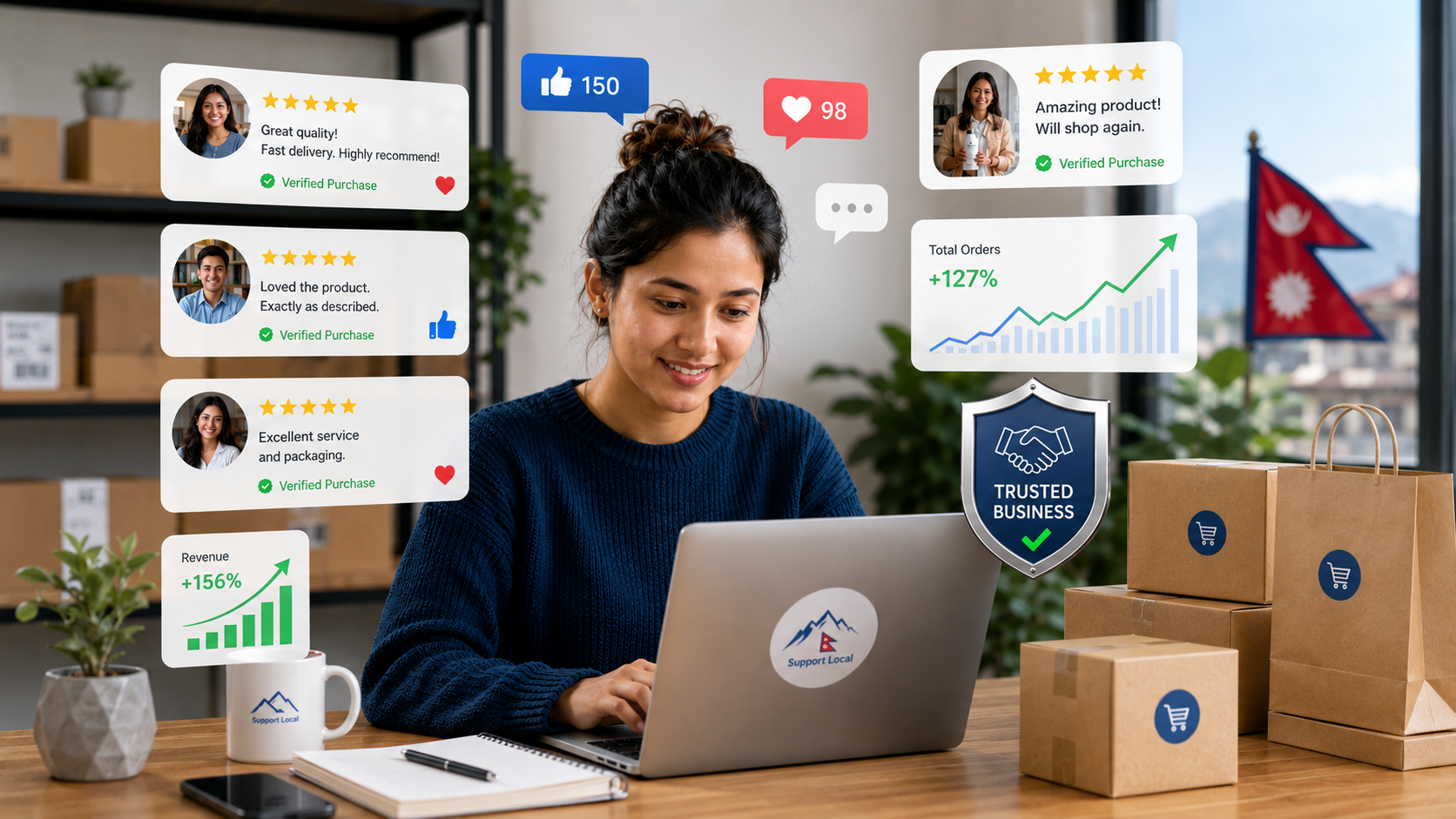
5. Improves Customer Engagement
Meta Ads encourage users to
interact with businesses through likes, comments, shares, reactions, saves,
video views, and direct messages. These interactions strengthen relationships
between businesses and customers while increasing brand visibility through
social engagement. Higher engagement also signals that the content is relevant
and valuable to the target audience.
6. Increases Sales and Conversions
Conversion-focused Meta Ads
encourage users to complete valuable actions, such as purchasing products,
booking appointments, registering for events, or subscribing to services. By
showing advertisements to users who are most likely to convert, businesses can
improve sales performance while achieving a higher return on advertising
investment.
7. Supports Retargeting Campaigns
Many website visitors leave without
making a purchase. Meta Ads allow businesses to retarget these users by
displaying relevant advertisements based on their previous interactions. For
example, customers who viewed a product but did not complete the purchase can
be shown reminders or special offers, increasing the likelihood of conversion.
8. Provides Cost-Effective
Marketing
Compared to many traditional
advertising channels, Meta Ads allow businesses to start with relatively small
budgets while maintaining control over advertising expenses. Businesses can set
daily or lifetime budgets, monitor performance in real time, and optimize
campaigns to maximize return on investment (ROI), making Meta Ads accessible to
both small and large organizations.
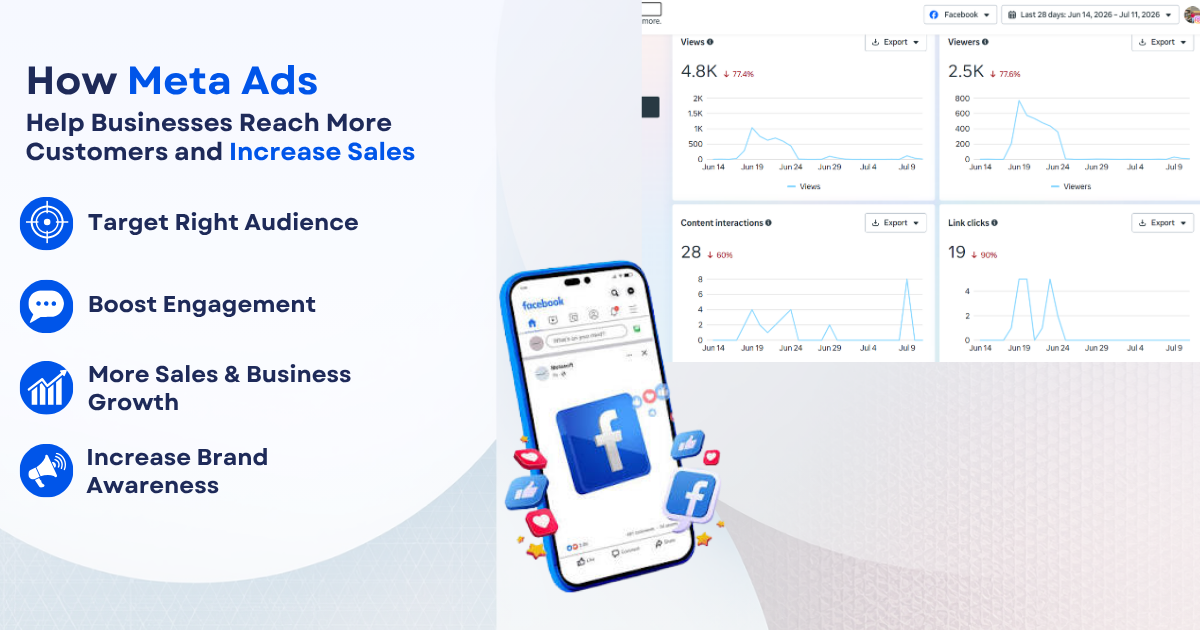
9. Delivers Measurable Performance
Meta Ads provide detailed analytics
that allow businesses to monitor campaign performance using metrics such as
reach, impressions, click-through rate (CTR), conversions, engagement, and
Return on Ad Spend (ROAS). These insights help businesses identify successful
strategies, optimize campaigns, and make data-driven marketing decisions.
10. Enhances Customer Relationships
Meta Ads facilitate direct communication through Messenger, Instagram Direct, and comments, allowing businesses to answer customer questions, provide support, and build trust. Prompt and personalized interactions contribute to higher customer satisfaction, stronger brand loyalty, and increased repeat purchases.
Conclusion
Online advertising through
platforms like Meta Ads, Facebook Ads, and Google Ads has become a powerful
strategy for modern business growth. These platforms help businesses increase
brand awareness, reach the right audience, generate high-quality leads, improve
customer engagement, and ultimately boost sales and conversions.
With advanced targeting, flexible
budgeting, and real-time performance tracking, businesses can run highly
effective and cost-efficient marketing campaigns. Meta Ads strengthen social
engagement and brand visibility, while Google Ads capture users with strong
purchase intent, making both platforms highly valuable in different stages of
the customer journey.
In conclusion, when used strategically, online advertising is not just a promotional tool but a complete growth system that helps businesses attract customers, build long-term relationships, and achieve sustainable success in the digital marketplace.